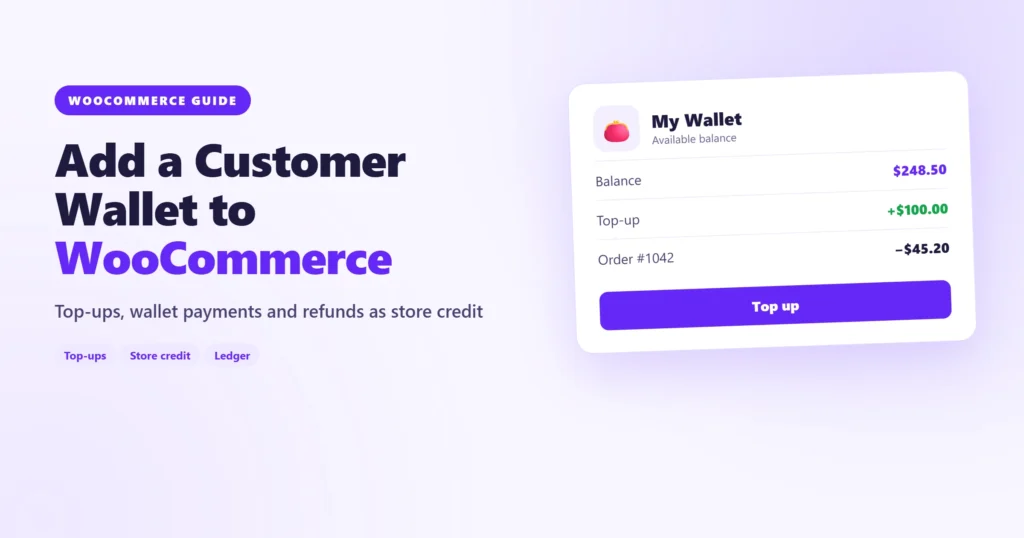
A wallet gives your customers a balance they can spend in your store. They top it up once, pay for future orders in one click, and receive refunds as store credit instead of money leaving your business.
For stores with repeat customers, such as grocery, coffee, printing services, gaming top-ups or B2B accounts, a wallet makes checkout faster and keeps refunds in your store. This guide shows you how to add one to WooCommerce.
Why add a wallet to your store?
- Faster checkout. Customers with a balance pay without entering card details again.
- Refunds that stay in your store. Store credit keeps the money in your business and gives the customer a reason to come back.
- Fewer payment fees. One larger top-up instead of many small card payments.
- Loyalty. A balance waiting in their account is a gentle nudge to order again.
What you need
We’ll use Ollet, a free wallet plugin for WooCommerce on WordPress.org. It adds customer top-ups, a wallet payment method, refunds as store credit and a ledger that records every movement.
Step 1: Install Ollet
Go to Plugins → Add New, search for Ollet, then install and activate it.
Step 2: Understand who gets a wallet
Every customer with an account on your store can have a wallet. Guests don’t. A wallet is created automatically the first time it’s needed, so there’s nothing to set up per customer.
Step 3: Let customers top up
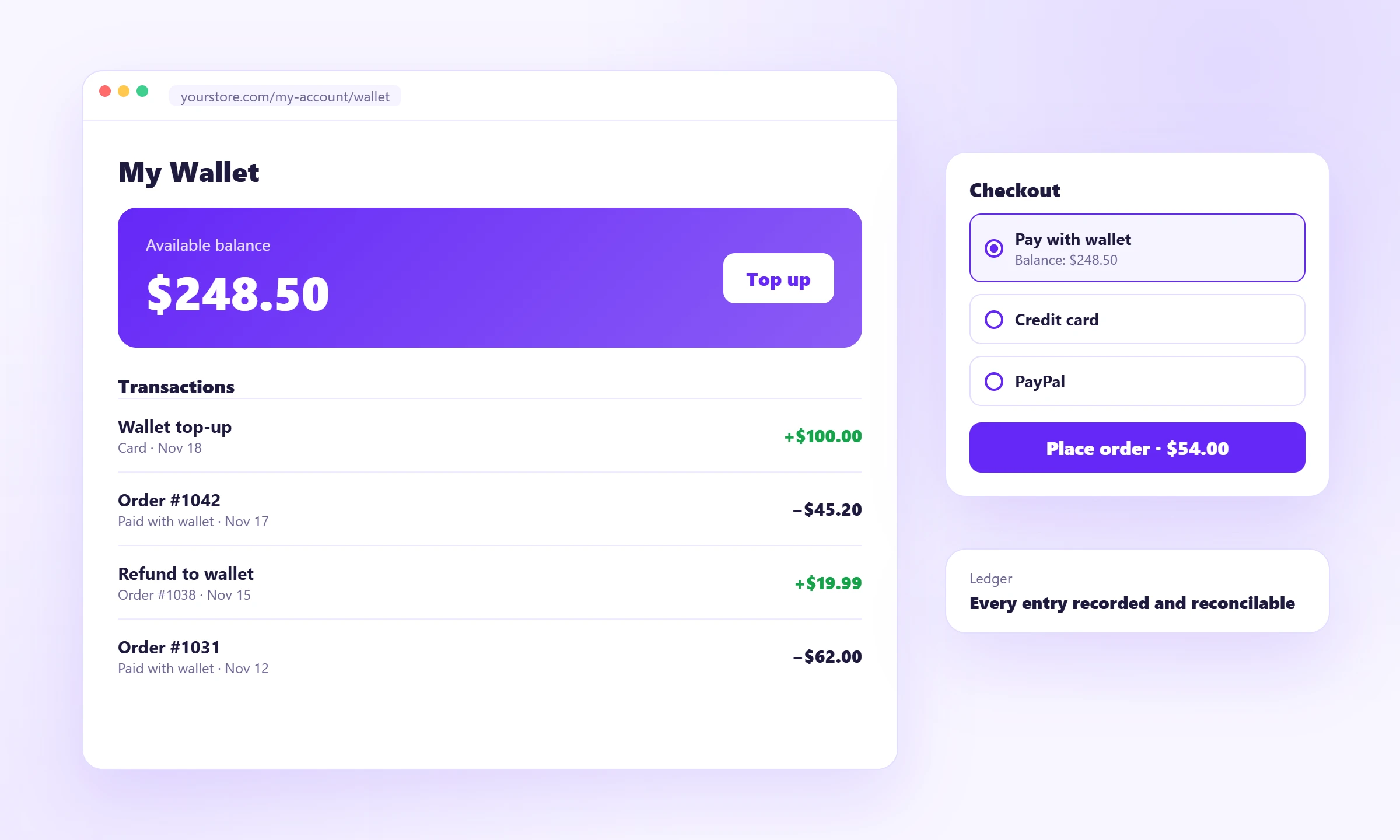
Customers add funds from My Account → Wallet. They pick a suggested amount or type their own, then pay at checkout with any payment method you accept.
Funds are added only when the payment is confirmed. Pending, on-hold and failed payments never add money to a wallet. Coupons can’t be used on top-ups, since that would add more to the wallet than the customer paid, and a top-up is always paid on its own.
Step 4: Pay with the wallet
At checkout, the wallet appears as a payment method when the balance covers the whole order. One click and the order is paid.
Step 5: Refund as store credit
When you refund an order, you can return the money to the customer’s wallet instead of their card. The customer can spend it right away, and the money stays in your store.
Step 6: Keep an auditable ledger
Every top-up, payment and refund is recorded in a ledger, so you can always reconcile balances and answer “where did my money go?” questions in seconds. If you refund a top-up, the refunded amount is removed from the customer’s funds, and Ollet never takes a balance below what the customer actually has.
Tips for using a store wallet well
- Promote it on your account page. A short note like “Top up and check out in one click” helps customers notice it.
- Offer store credit for returns. Many customers happily accept credit if it’s instant.
- Use it for B2B accounts. Businesses that order often love a prepaid balance.
- Keep it transparent. Customers trust a wallet when they can see every transaction.
Wrapping up
A wallet is a small feature with a big effect on repeat purchases: faster checkout, refunds that stay in your store and a clear record of every transaction.
Download Ollet free or read more on the Ollet plugin page.