
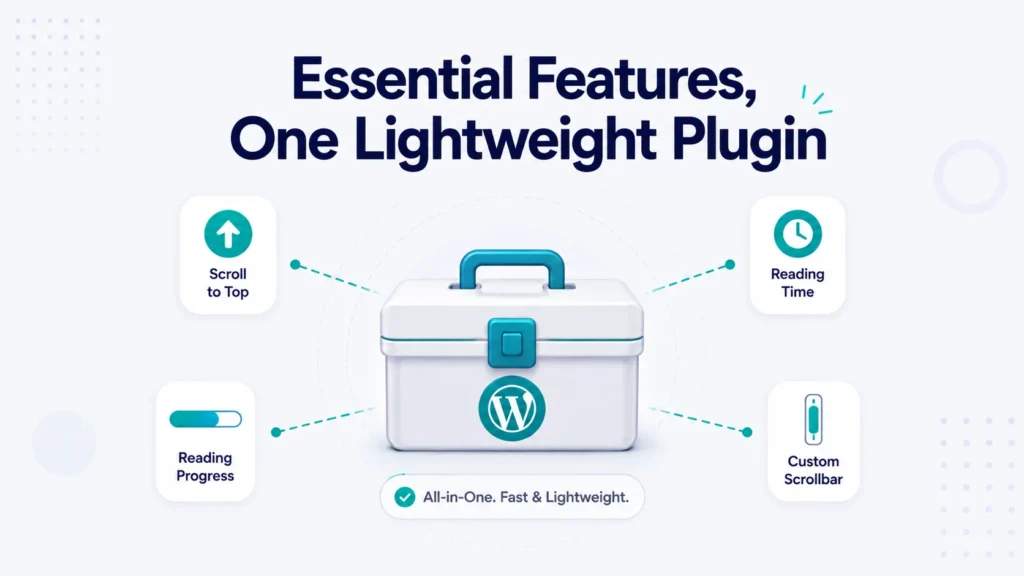
It usually starts small. You want a scroll-to-top button, so you install a plugin. Then you decide reading-time estimates would be nice, so that’s another one. A skills progress bar? Another. Before long, your site is running half a dozen plugins for half a dozen tiny features, each loading its own scripts and styles, each another thing to update, and each a possible source of conflicts.
There’s a lighter way to do this. Instead of one plugin per feature, you can add the common frontend touches your site needs from a single, lightweight toolkit, and switch on only the ones you actually use.
In this guide, we’ll look at how to add these essential features to WordPress the efficient way, using our free Essential Elements plugin.
The Hidden Cost of “One Plugin Per Feature”
Every plugin you add carries a cost beyond the feature itself:
- Performance. Many plugins load their CSS and JavaScript on every page, even where the feature isn’t used, which adds weight and slows your site.
- Maintenance. Six plugins mean six changelogs, six update cycles, and six chances for something to break.
- Conflicts. The more plugins you stack, the higher the odds two of them clash.
- Clutter. Your admin fills with separate settings screens, each in its own place.
For small frontend features, that overhead rarely feels worth it. Consolidating them solves the problem.
One Toolkit, Only the Features You Need
Essential Elements bundles the most common site-enhancement features into a single plugin, with each one available as a module you can turn on or off. You enable what you want, leave the rest off, and the plugin only loads the code for the features you’ve actually switched on, so it stays fast. Here’s what it currently includes.
Scroll to Top Button
A small button that lets visitors jump back to the top of a long page with one click. It’s a simple usability win, especially on lengthy posts and mobile, and you can style it to match your site.
Reading Time Estimation
Show readers how long a post will take, with a line like “1,200 words, 6 minute read.” It sets expectations and tends to improve engagement. Essential Elements offers this both as an automatic module (added before or after your content) and as a Gutenberg block you can place anywhere in the editor, with control over reading speed, label, and word count.
Progress Bar
Display animated progress bars to showcase skills, project completion, or any measurable achievement. They’re fully customizable in color and style, so they fit your design instead of fighting it.
Custom Scroll Bar
Style the browser’s scroll bar with your own colors to match your branding, a small polish that makes a site feel considered and complete.
And More on the Way
The toolkit is expanding, with features like social share buttons, a post views counter, breadcrumbs navigation, a table of contents, external-links-in-new-tab, and SVG upload support planned. As they arrive, they become new modules you can switch on, no extra plugins to install.
How to Set It Up
Getting started takes a couple of minutes:
- Install and activate Essential Elements from the WordPress plugin directory.
- Go to Settings → Essential Elements in your dashboard.
- Enable the modules you want, and customize each one’s colors, styles, and options to match your site.
That’s it. Everything lives on one settings screen, updates as one plugin, and adds only what you enable.
Why This Beats Stacking Separate Plugins
The advantages add up quickly. You get better performance because only the features you enable load anything on the frontend. You get simpler maintenance, since it’s one plugin to update instead of many. Reduce the chance of conflicts, and you keep all your settings in a single place. It’s built to WordPress coding standards, works with modern themes, is translation-ready, and offers hooks and filters for developers who want to extend it.
In short, you get the features your site needs without the bloat it doesn’t.
Free and Pro
Everything covered here is available in the free version of Essential Elements. If you want the full set of modules and advanced options as the toolkit grows, there’s a Essential Elements Pro version with more to offer.
Frequently Asked Questions
Essential Elements is a lightweight WordPress toolkit that adds common frontend features, such as a scroll-to-top button, reading time estimates, progress bars, and a custom scroll bar, from a single plugin. Each feature is a module you can enable or disable.
No. Essential Elements only loads the code for the modules you actually enable, so unused features add nothing to your pages. It’s built with performance in mind.
Yes. Every feature is an individual module you can turn on or off from the plugin’s settings screen, so you run only what you use.
That’s the idea. Instead of adding a separate plugin for each small feature, you enable the ones you need from one toolkit, which means fewer updates, fewer conflicts, and better performance.
Yes. Essential Elements is free on WordPress.org, with a Pro version available for sites that want the complete, growing set of modules and options.
Get Started Today
Your site can have the small, useful features that make it feel polished, without the plugin bloat that slows it down. Essential Elements puts them in one place, so you enable what you need and nothing more.
Download Essential Elements free and lighten your plugin list today. If it helps your site, a quick review on WordPress.org helps other site owners find it too.